
1 — See
What is already running
Agents, the tools they reach, the MCP servers they talk to, and the workloads in your cluster that nothing is governing yet.
Product tour
goodorc is a control plane for AI agents. It decides whether an agent may make each call it is about to make — which tool, which model, which host, on whose budget — and writes the decision to a chain that cannot be edited afterwards without detection.
This page walks every screen in the product. Each screenshot below was captured from a live install by a script, signed in as an administrator, against a demo tenant called Example Logistics. None of them are mockups.
Roles are real and they bind: a viewer can read every page and chat with an agent, and cannot create a policy, publish a workflow or read the directory. The console knows which you are and shows you a product rather than a wall of refusals. That is worth one sentence here and is not what these screenshots are for.
What you are looking at
A demo tenant with seeded agents and seven days of recorded decisions. The numbers are small because the install is small — what matters is which numbers the product is willing to show, and which it refuses to.
Captured 5 November 2026. The tour is produced by a script so it can be re-run against the current build; a tour that drifts from the product is worse than no tour, because nobody can tell which half is stale.
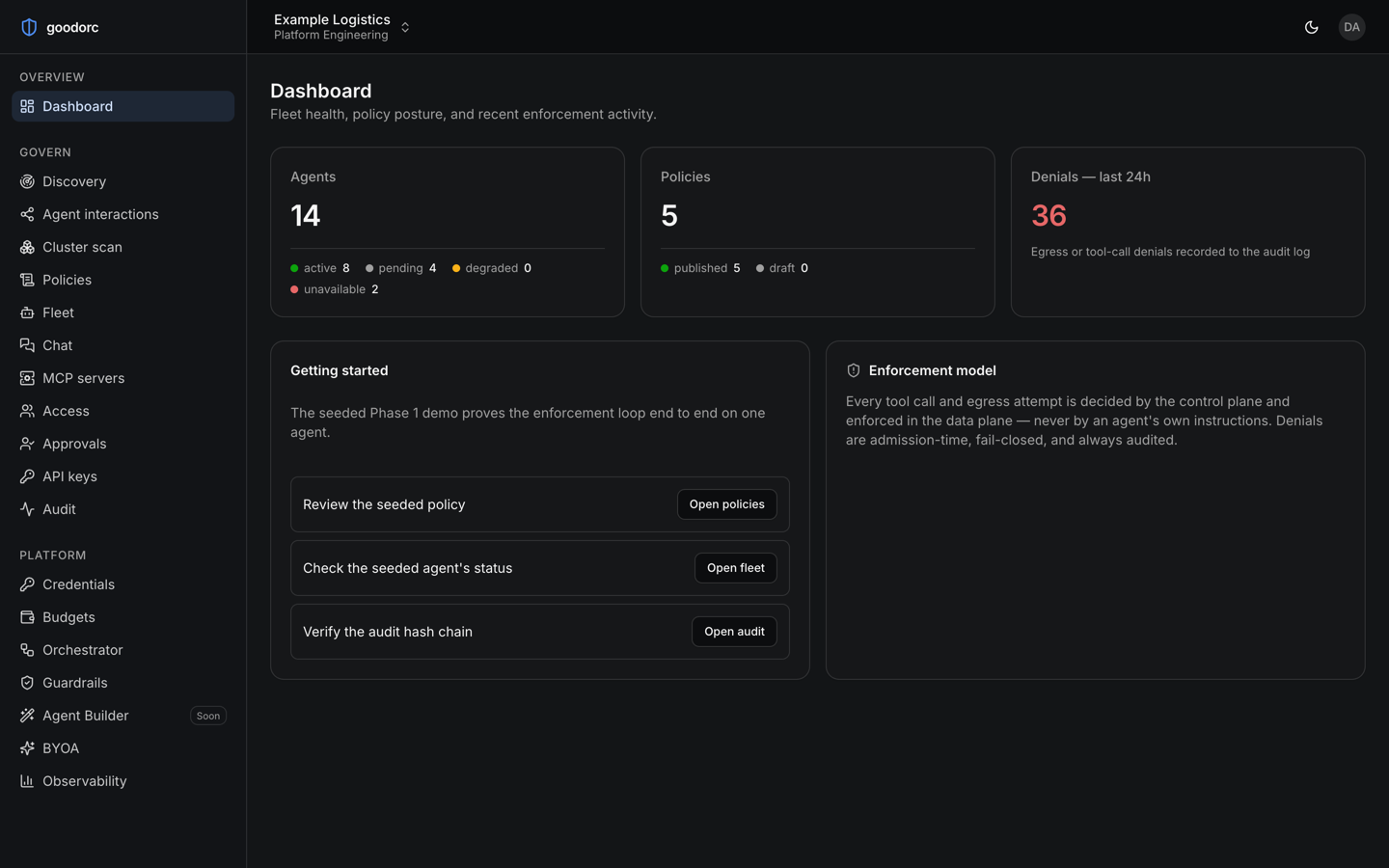
Three things happen in order, and the console is organized around them. You find out what is already running. You decide what it is allowed to do. Then every call it makes is checked against that decision and recorded.
1 — See
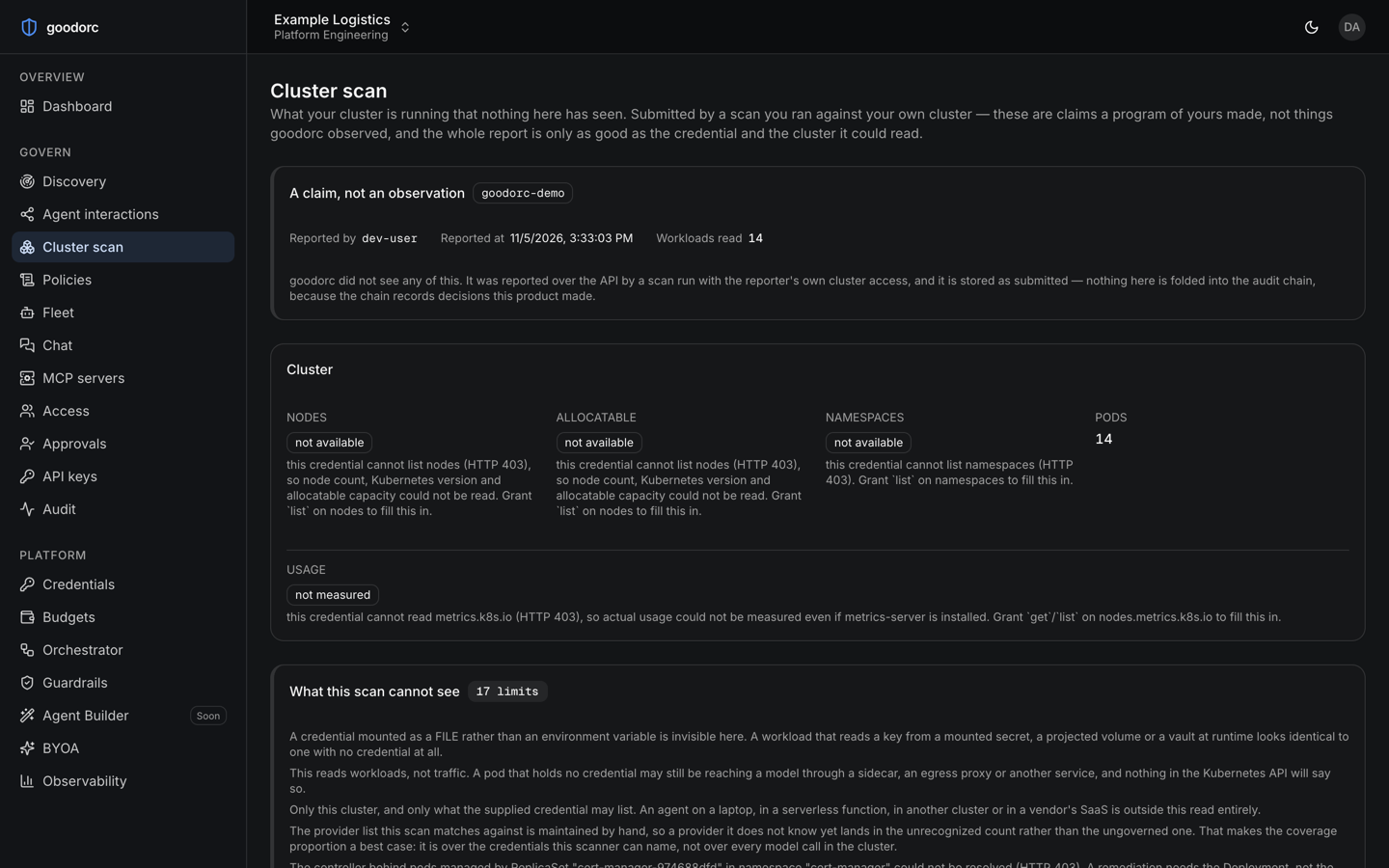
Agents, the tools they reach, the MCP servers they talk to, and the workloads in your cluster that nothing is governing yet.
2 — Decide
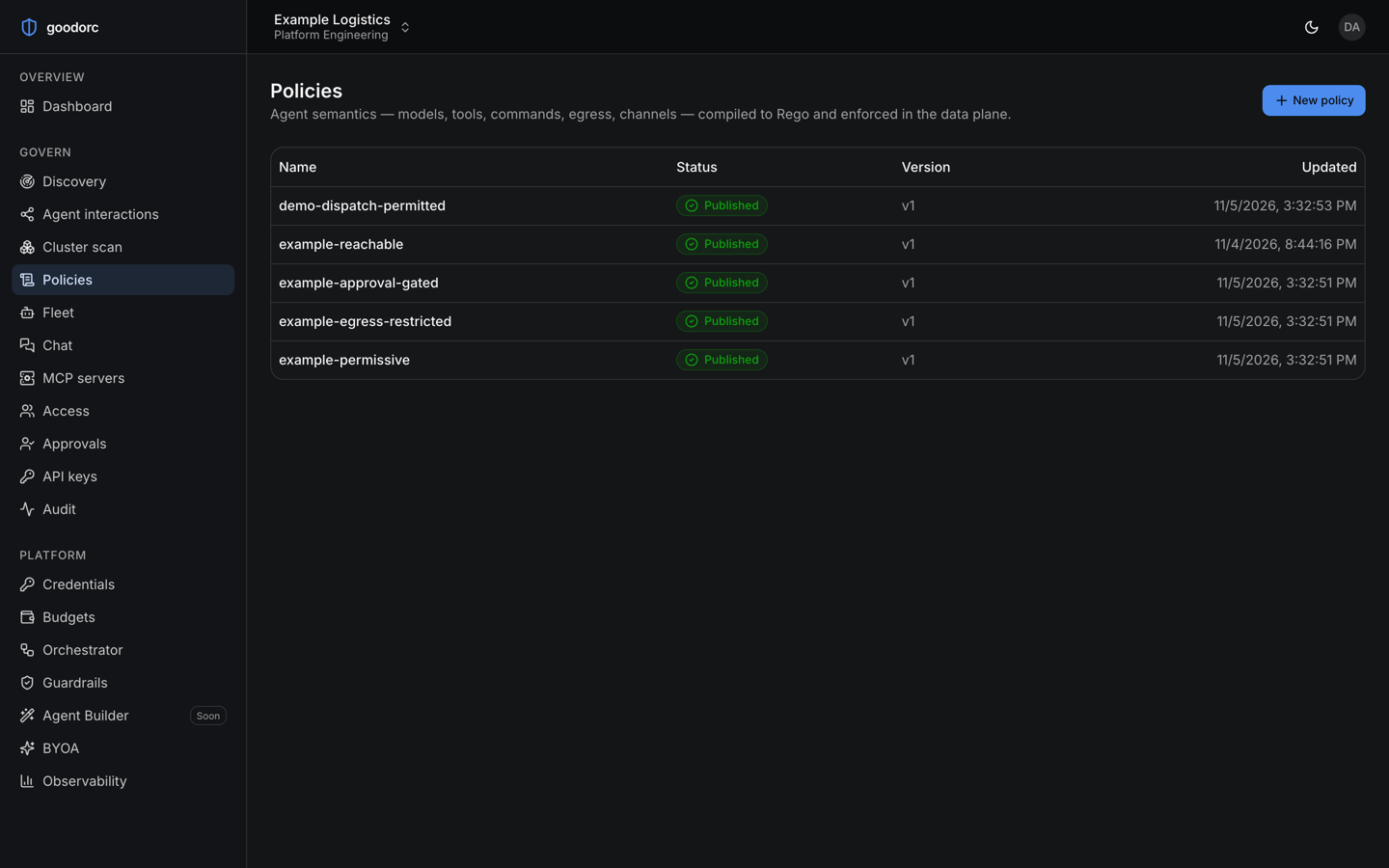
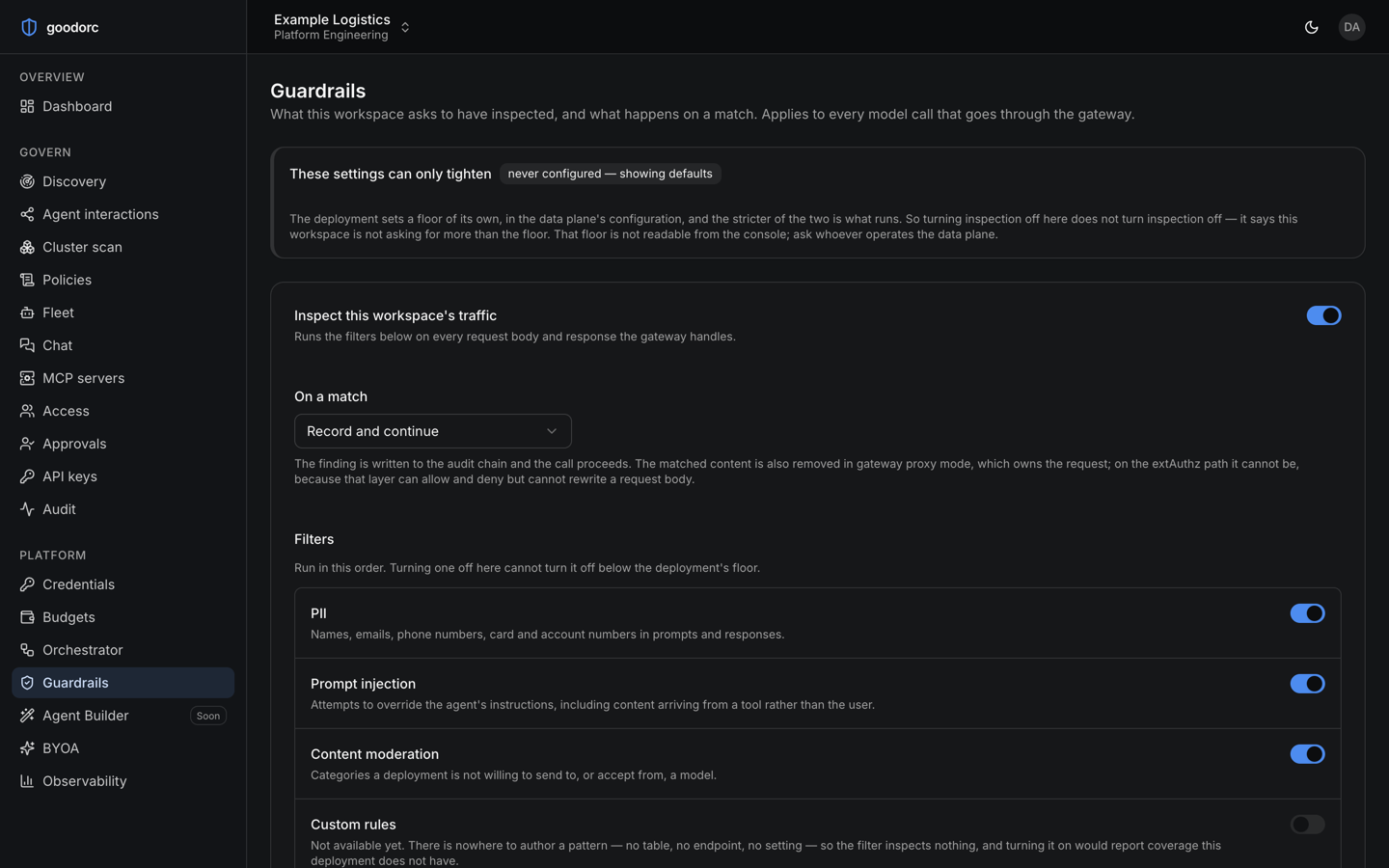
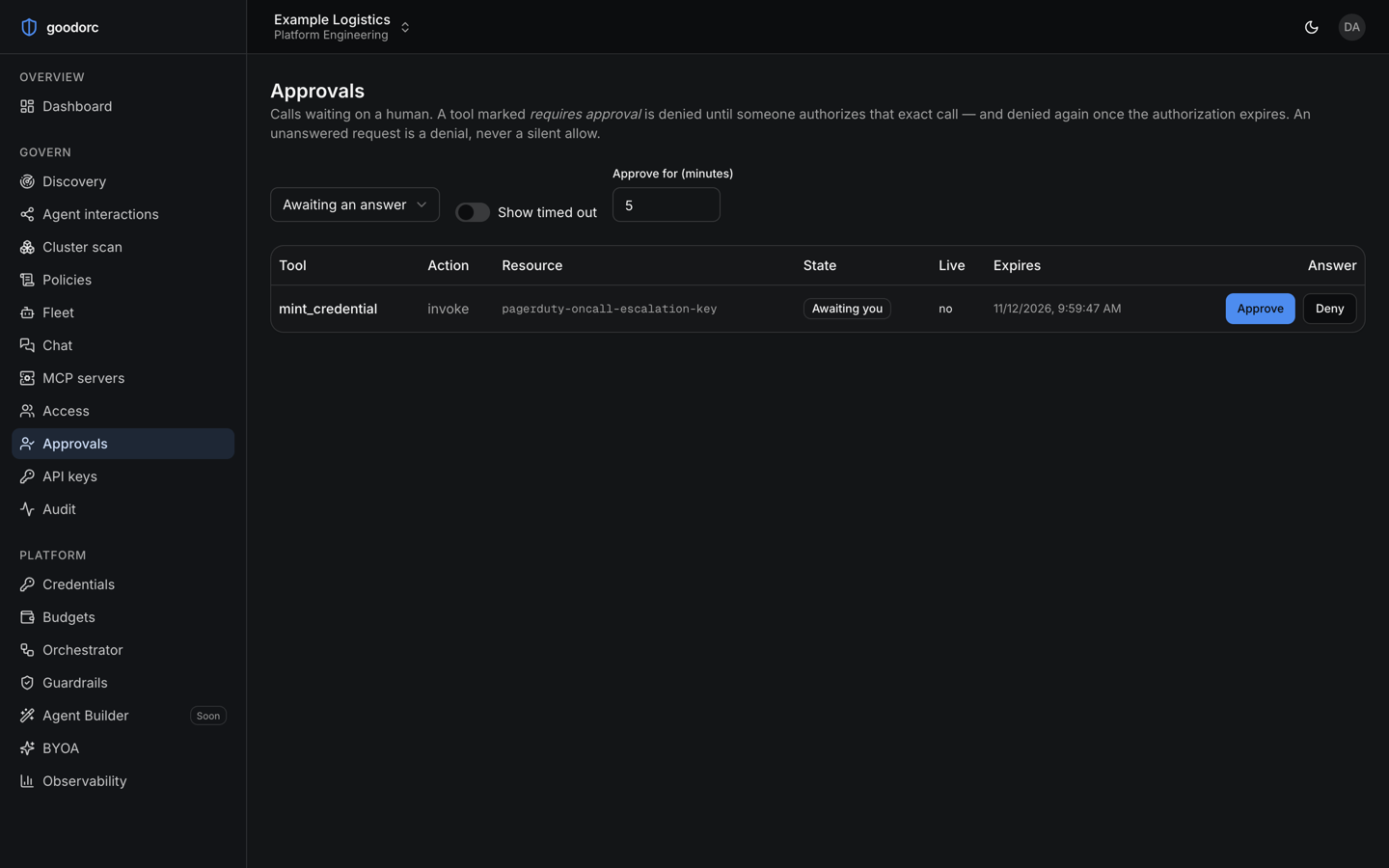
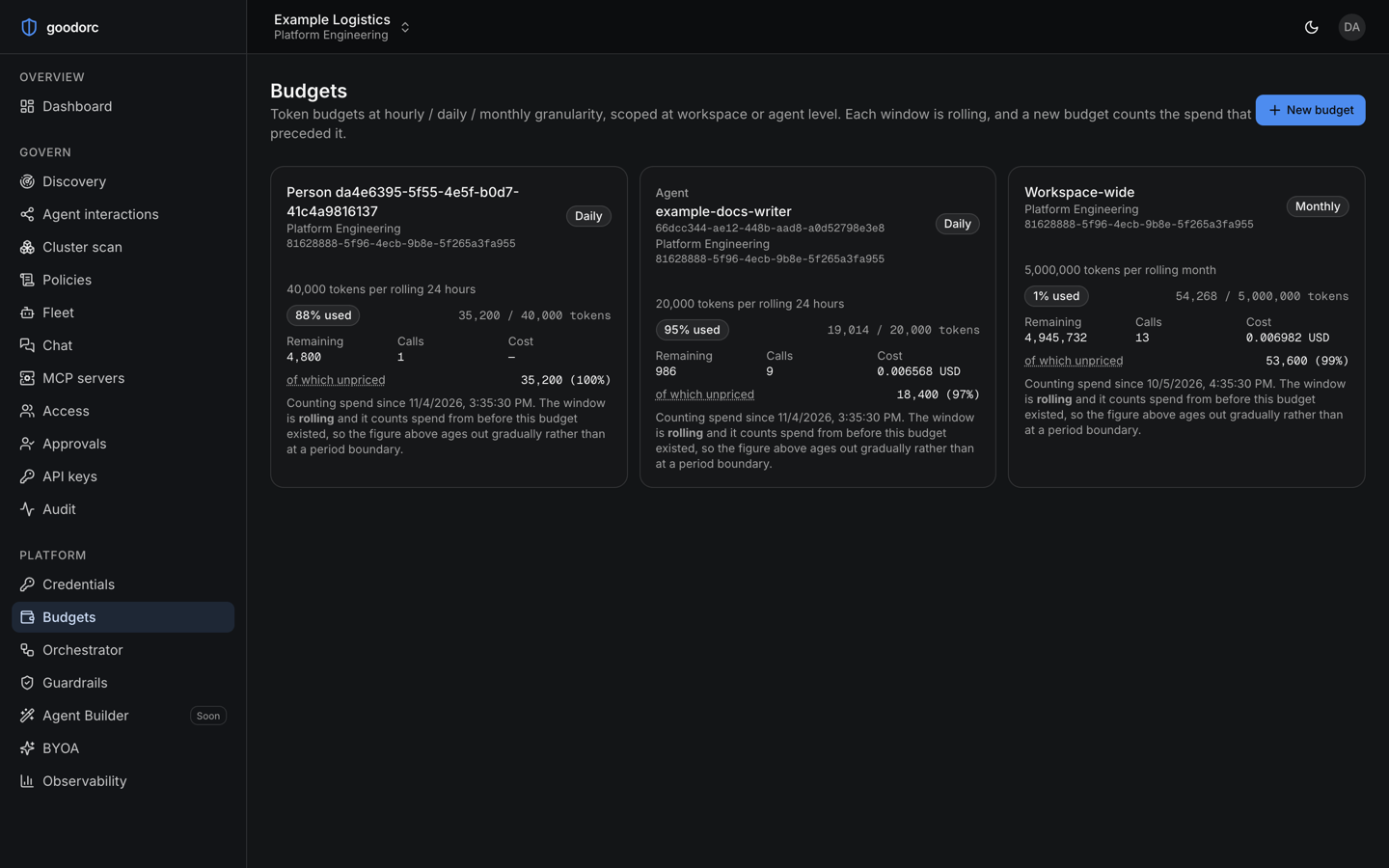
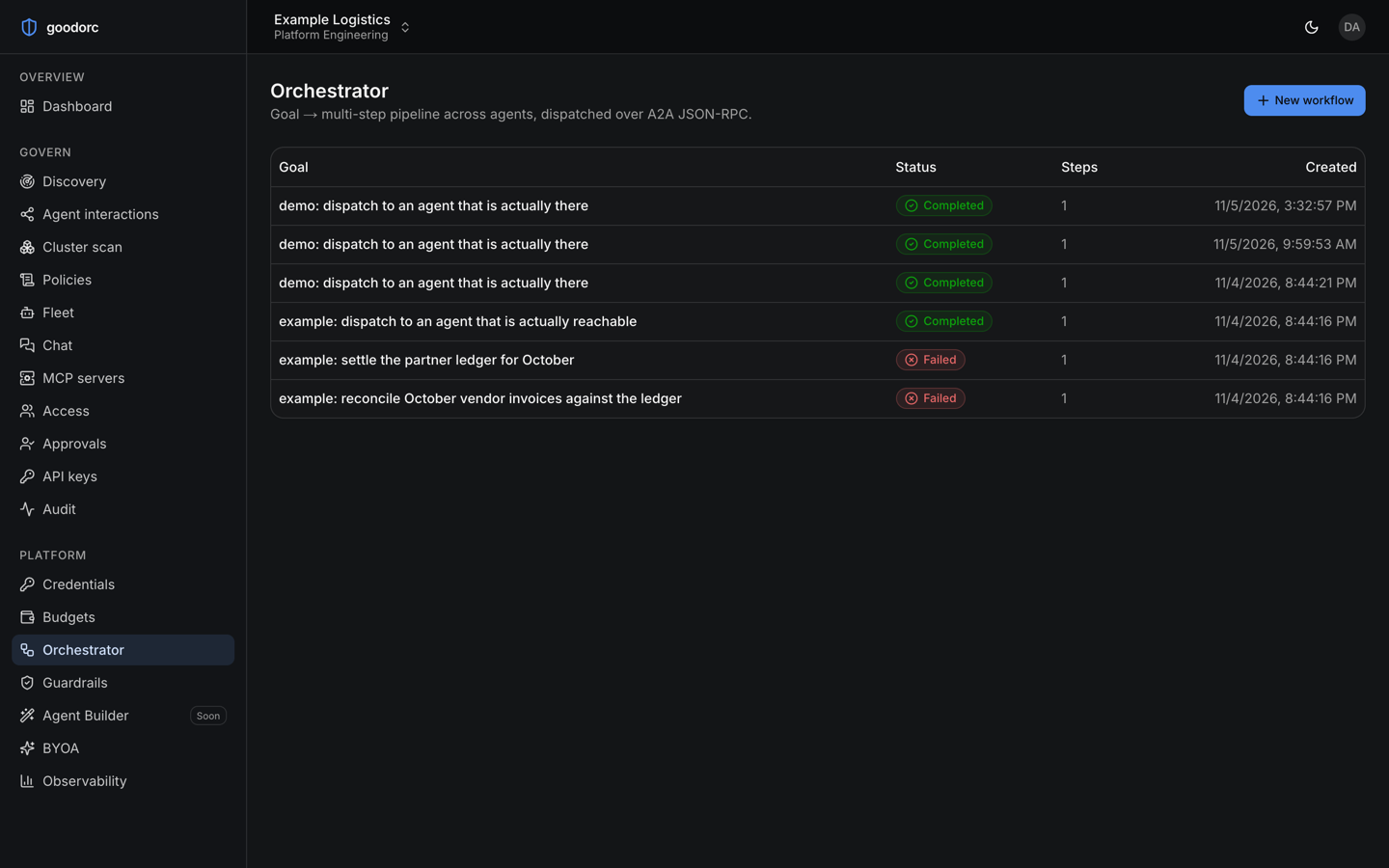
Policy as code, content guardrails, human approval for the dangerous operations, and token budgets that bind before the spend rather than reporting it after.
3 — Prove
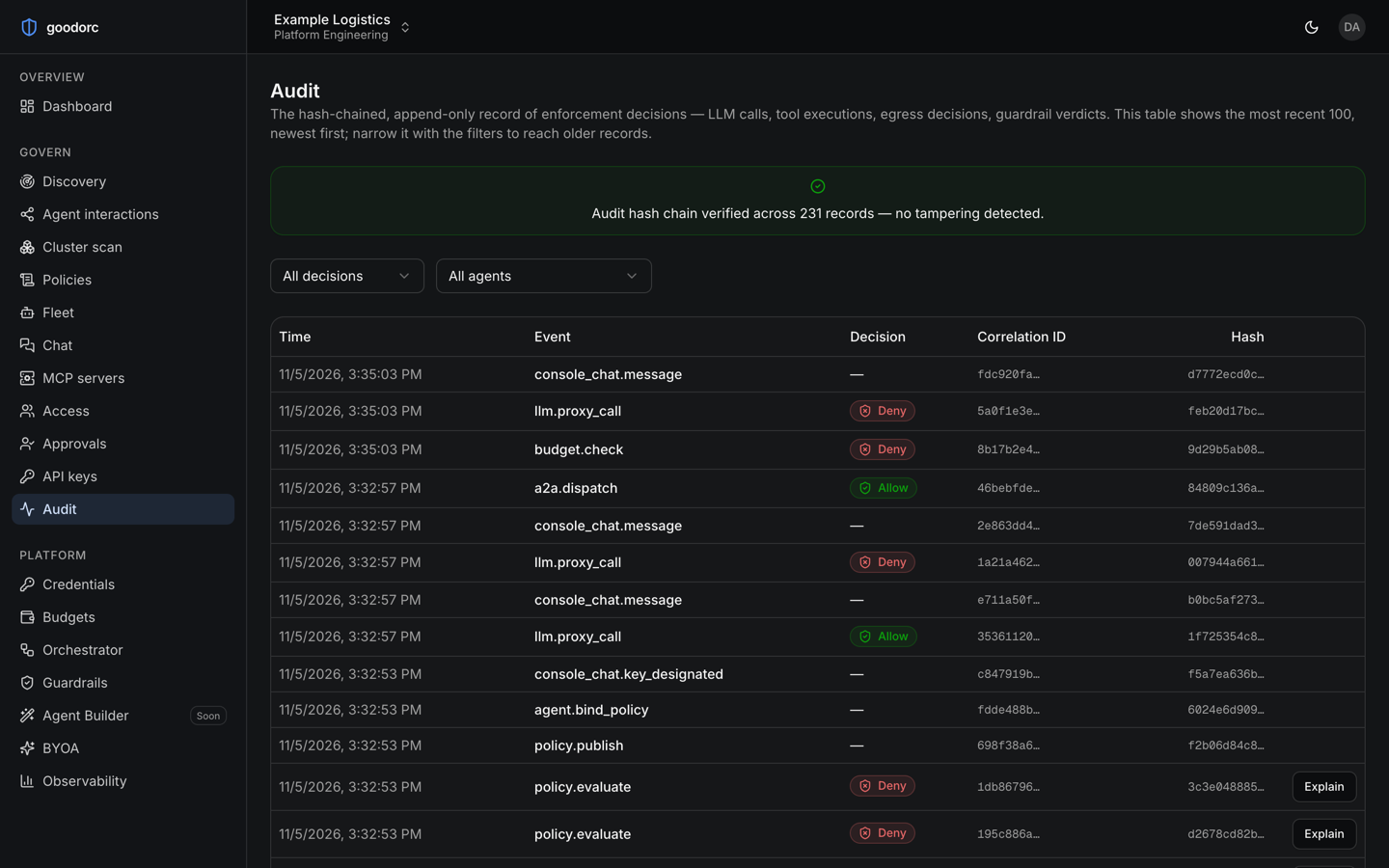
A hash-chained audit record for every decision, and reads derived from those records rather than from a second pipeline that can disagree with them.
goodorc has no user database of its own. Sign-in is OIDC against the identity provider you already run, and the token's claims carry the tenant and workspace the session is scoped to.
Part one
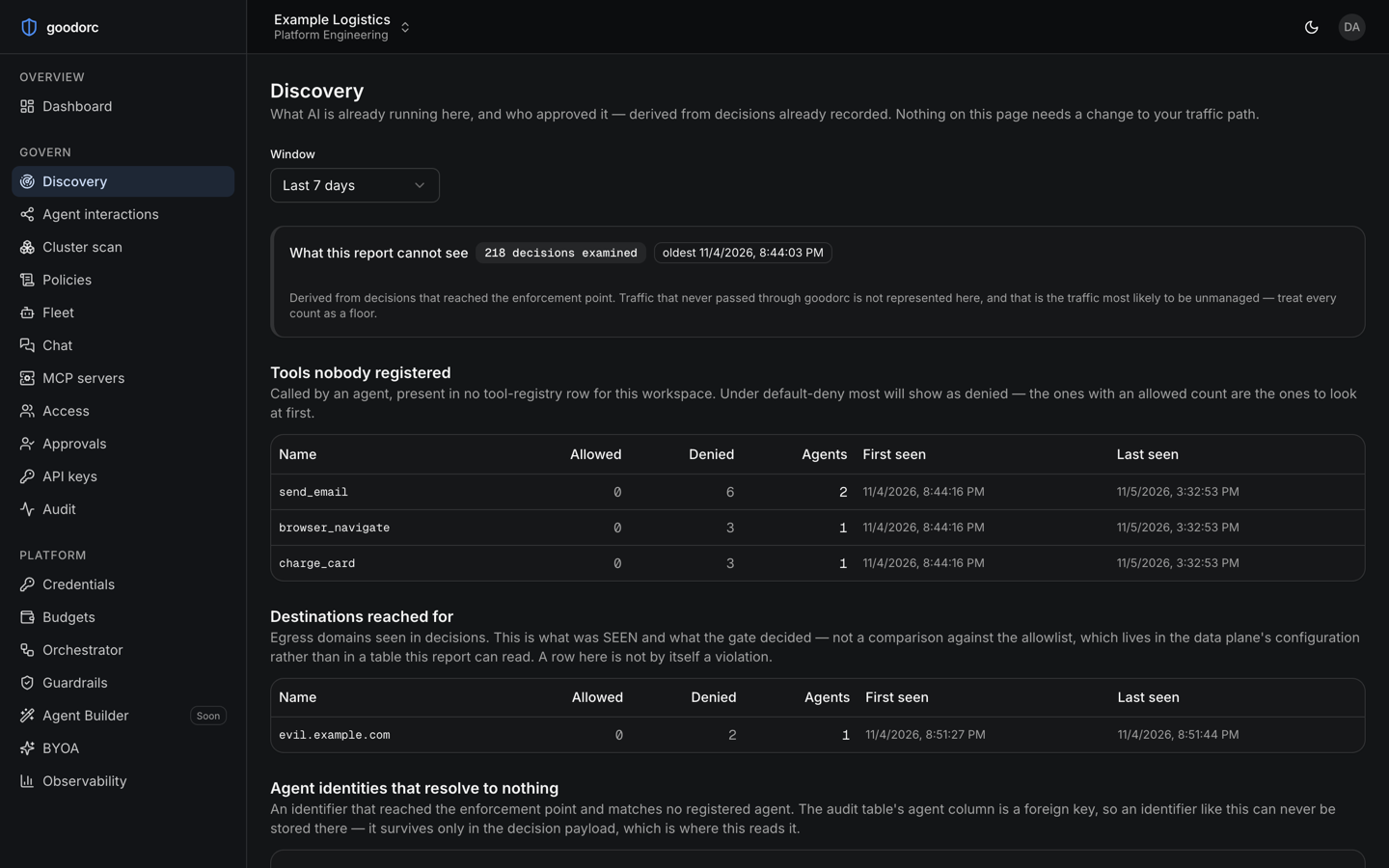
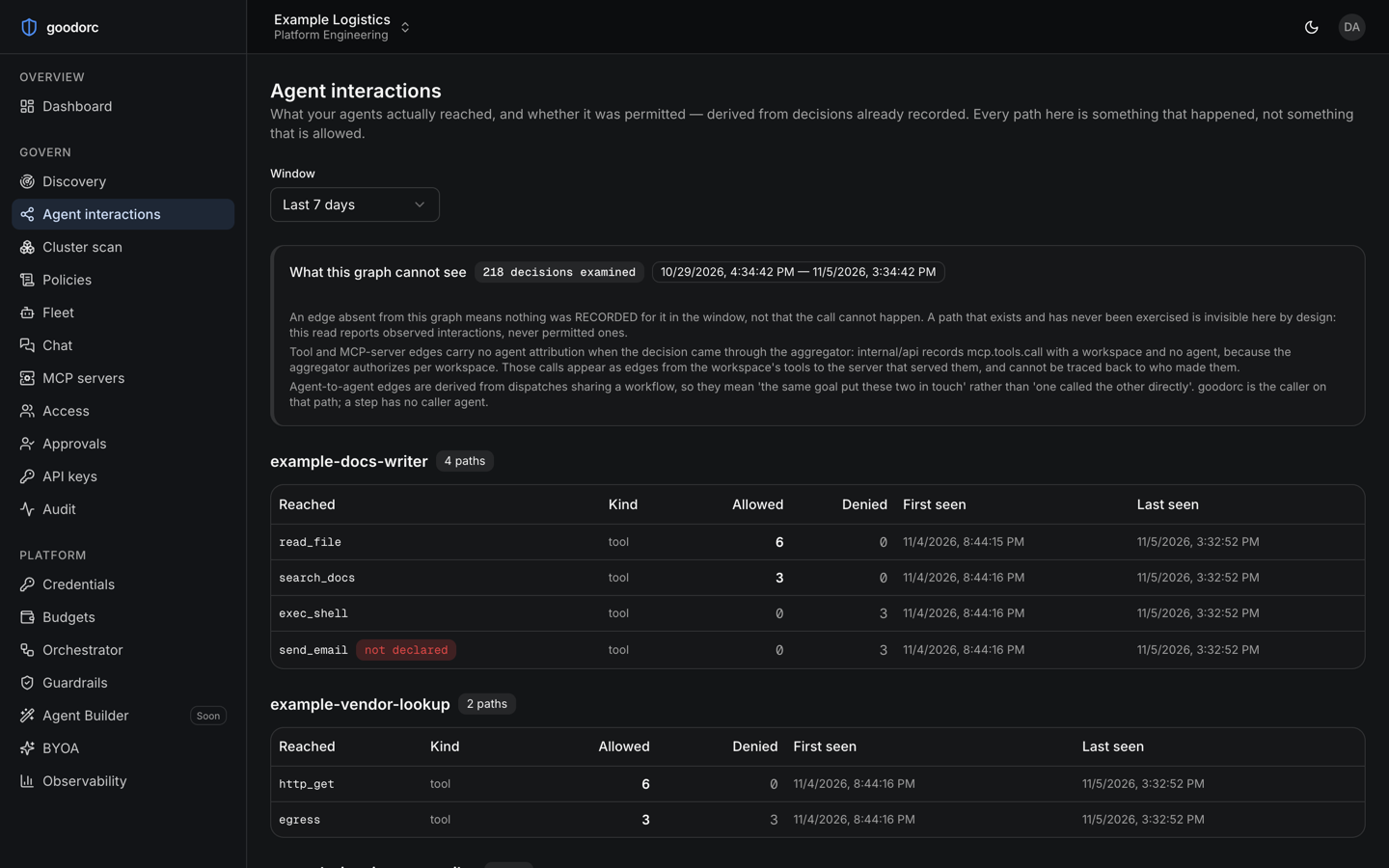
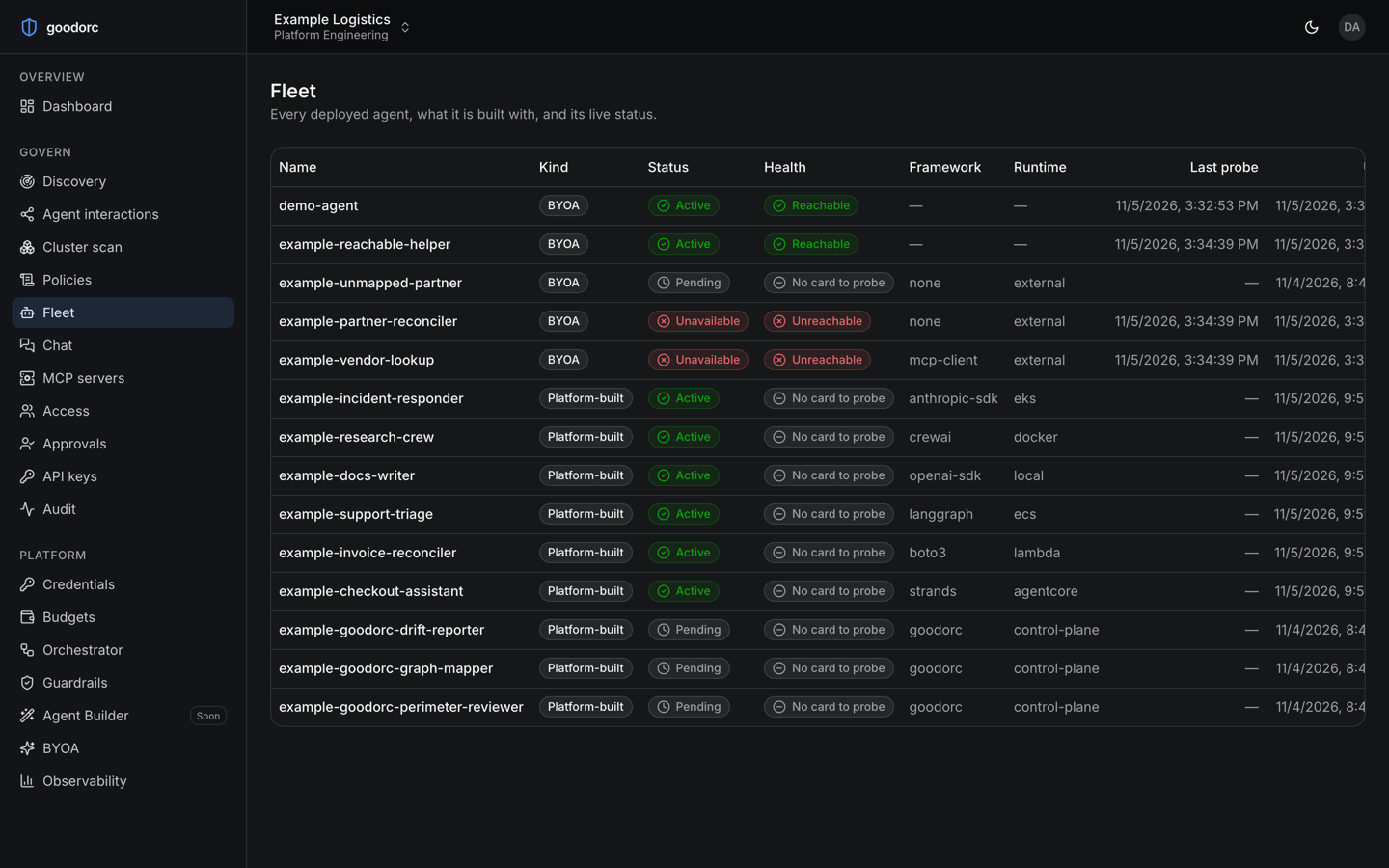
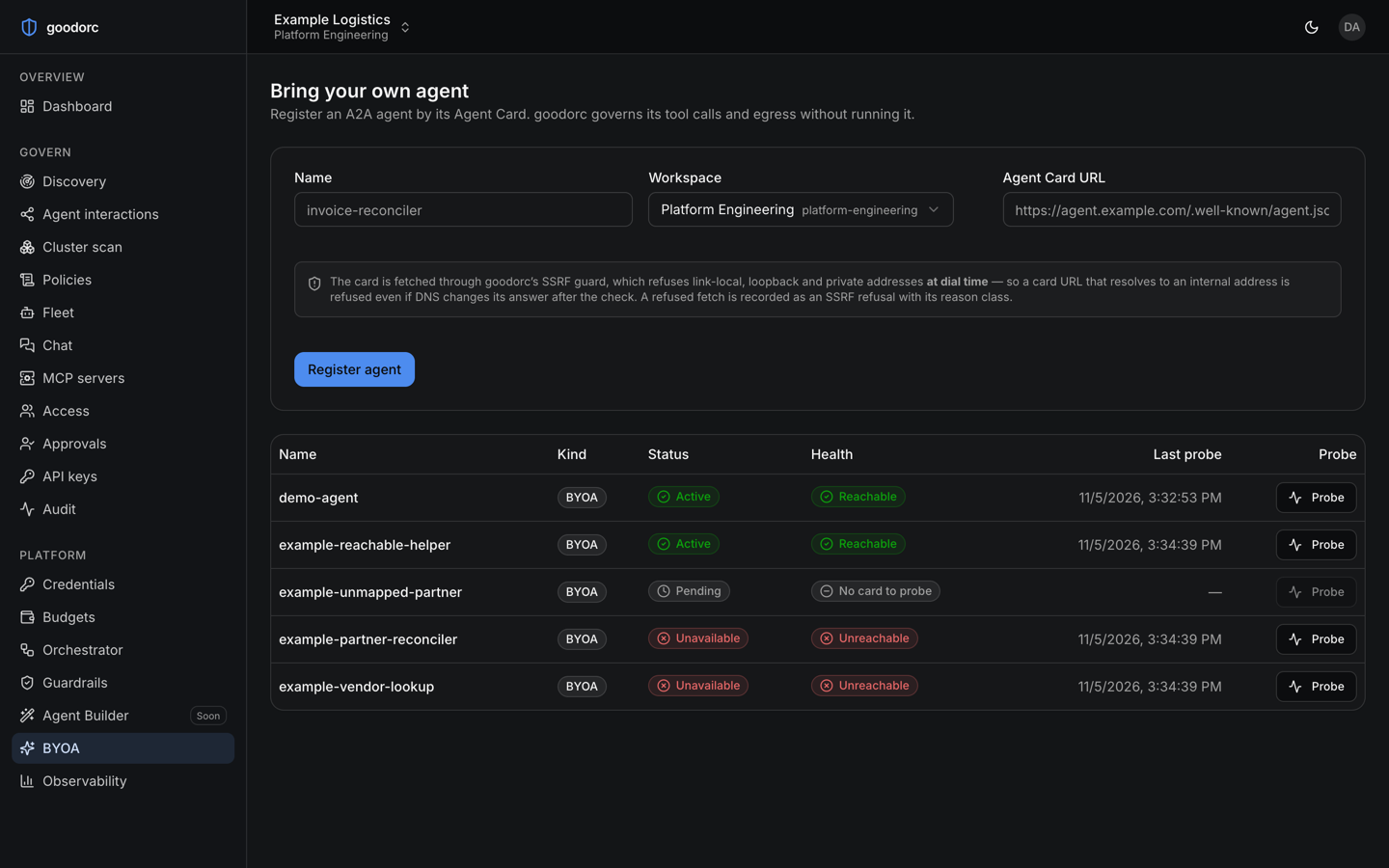
The hardest part of governing agents is that most organizations cannot list them. These four screens are about producing that list from evidence rather than from a spreadsheet.
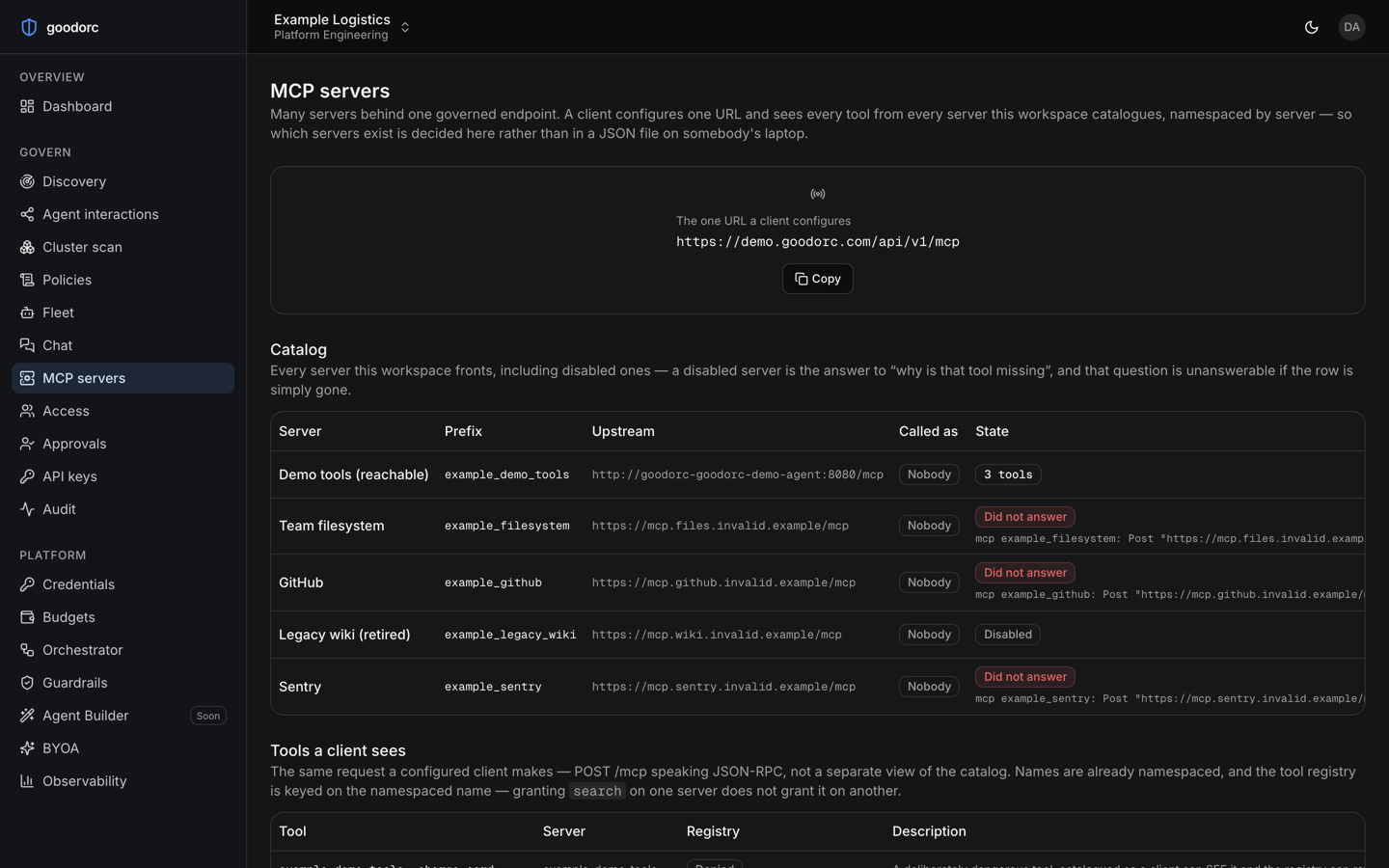
Tools an agent called that appear in no registry entry, and MCP servers nobody cataloged. Derived from decisions that reached the enforcement point.
Part two
Part three
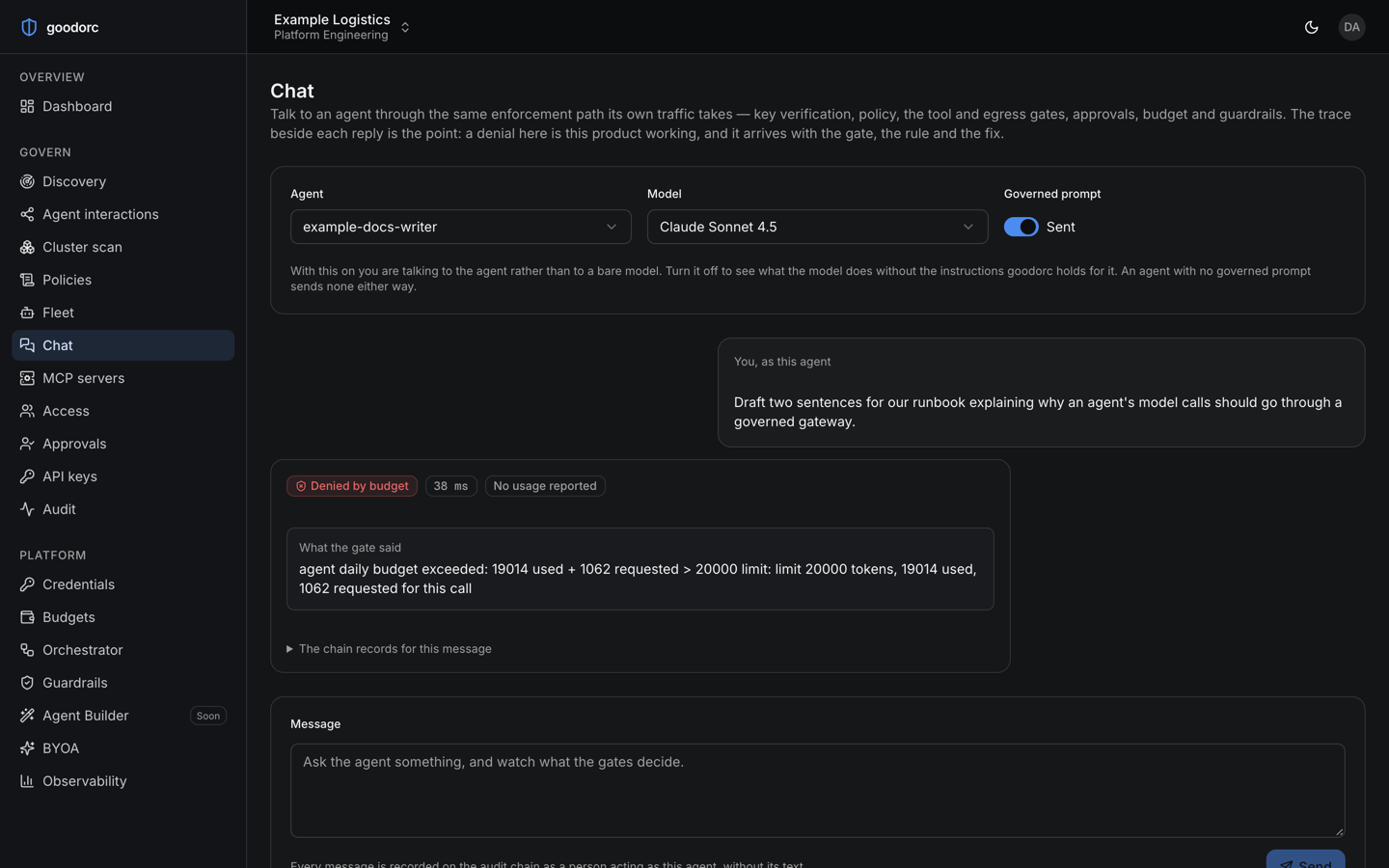
A prompt sent as a registered agent, through the same enforcement path an SDK client would use. This is the shortest way to see a governed model call end to end.
Part four
The panel worth reading twice
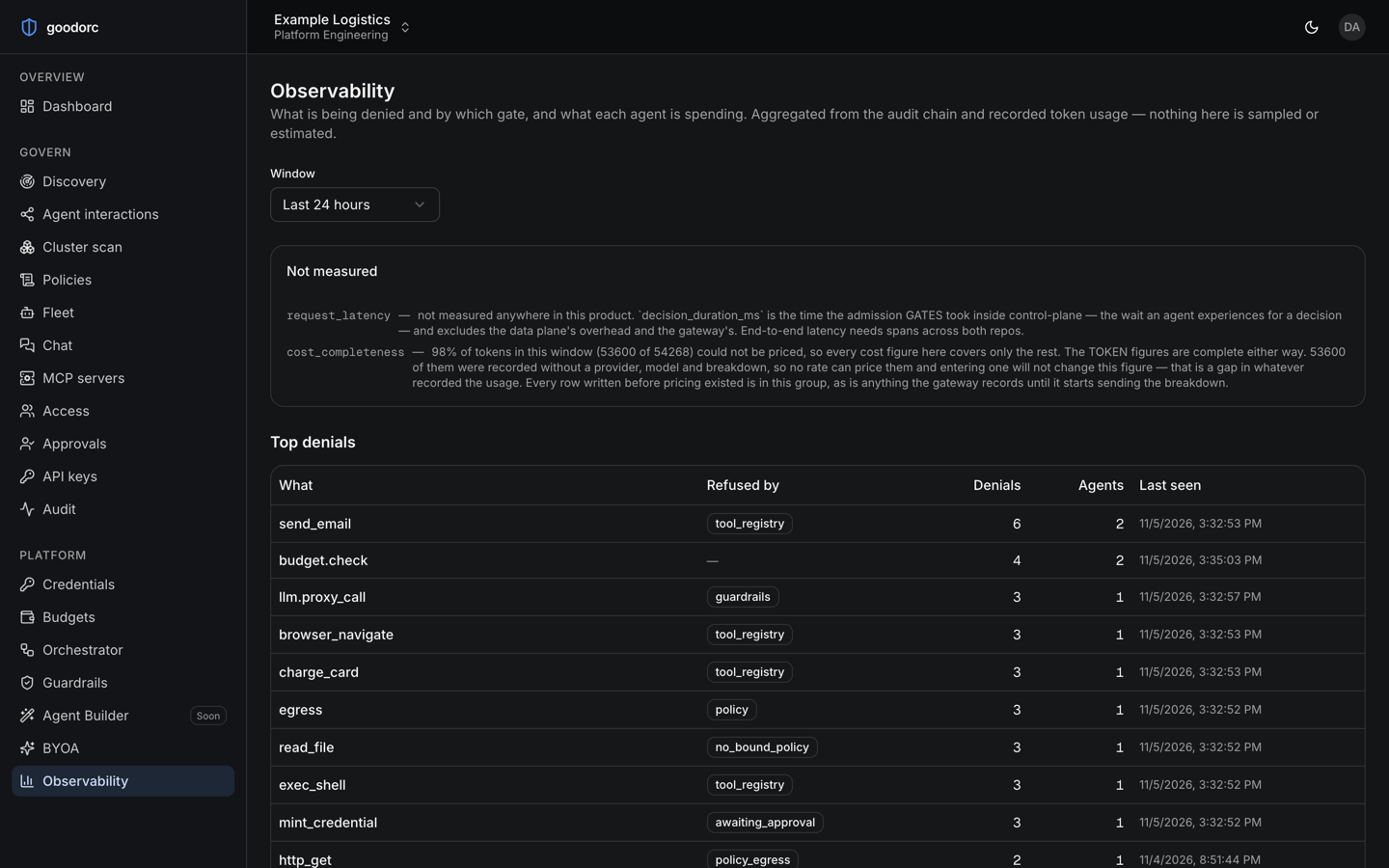
Above that table sits a Not measured panel. On this install it reports that 98% of tokens in the window could not be priced, and explains exactly why: those rows were recorded without a provider and model, so no rate can price them, and entering one will not change the figure.
A dashboard that showed a confident dollar total here would be easier to sell and would be wrong. Reporting the gap is the feature.
Part five
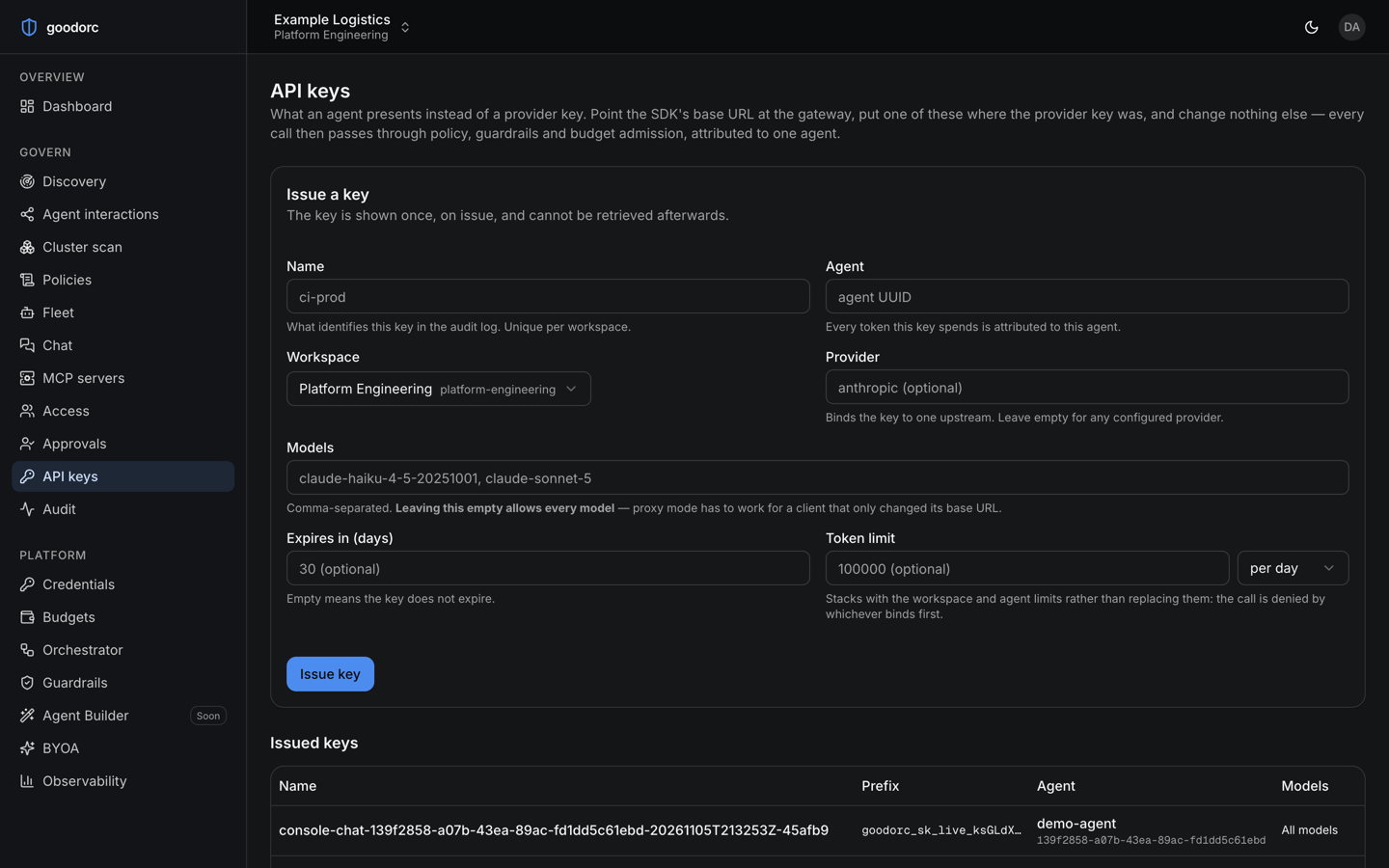
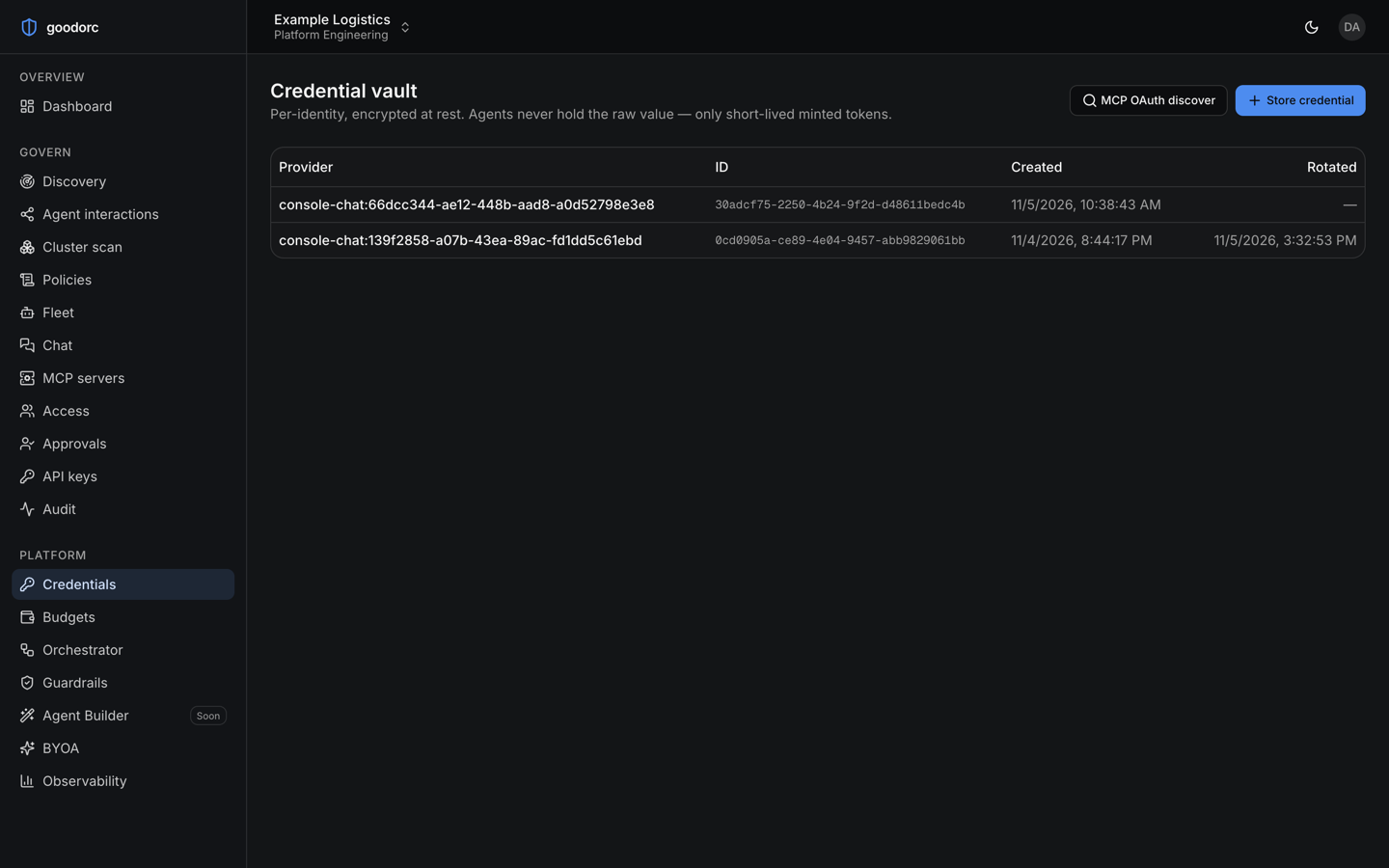
Part six
Everything above is also a command. The CLI is not a thin wrapper written afterwards — the console and the CLI call the same API, so a thing you can do in one you can script in the other. The sessions below were run against the same install the screenshots came from.
The claim the whole product rests on, checked in one command. It recomputes the chain and reports what it verified.
$ goodorc audit verify
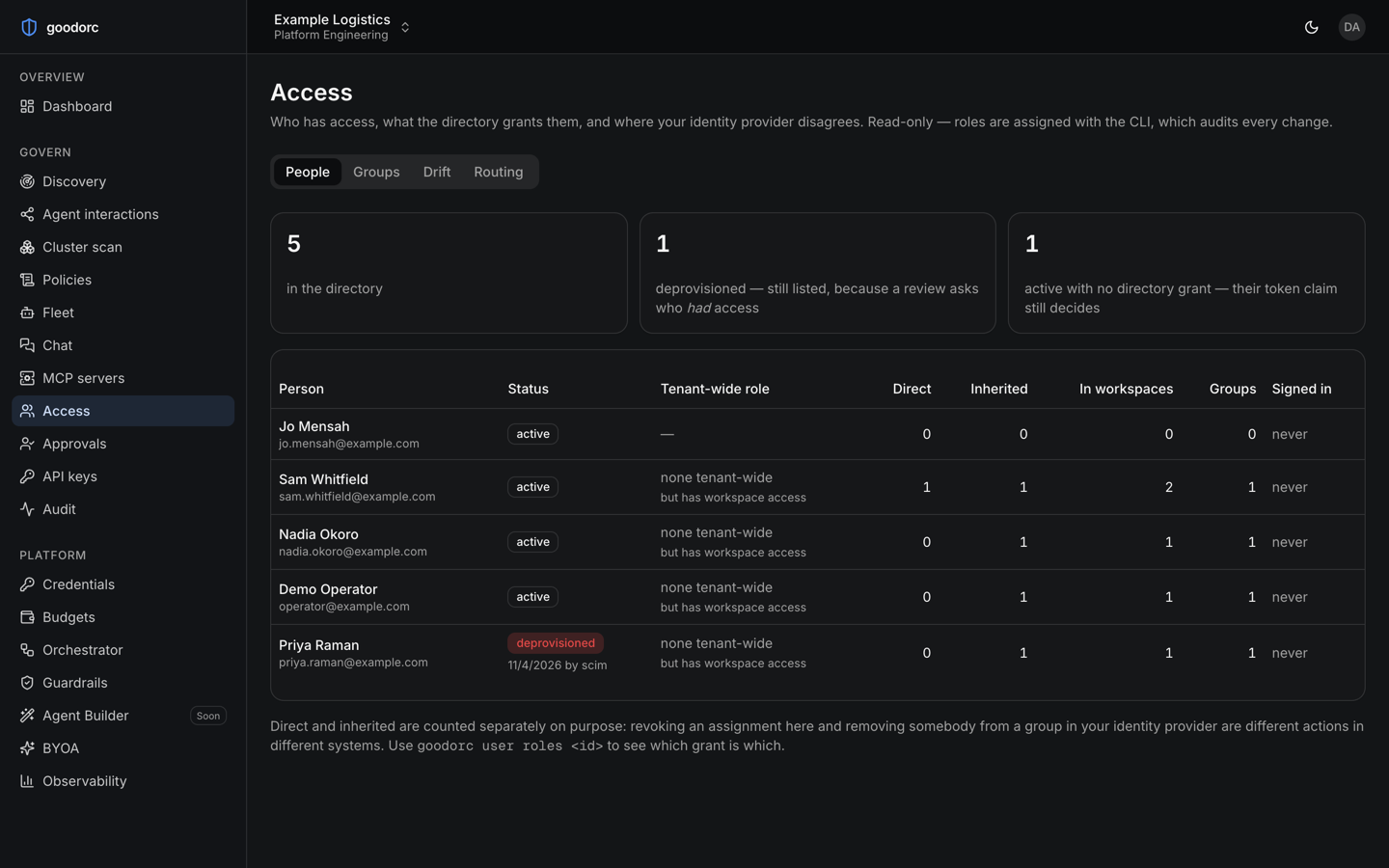
Audit chain intact: 168 records verifiedThe output is an access review rather than a user dump: it keeps deprovisioned people visible, and counts the ones whose access goodorc cannot account for.
$ goodorc user list
USER                       STATUS       DIRECT/INHERITED  WS  GROUPS  SIGNED IN
jo.mensah@example.com      active       0/0               0   0       never
sam.whitfield@example.com  active       1/1               2   1       never
nadia.okoro@example.com    active       0/1               1   1       never
operator@example.com       active       0/1               1   1       never
priya.raman@example.com    DEACTIVATED  0/1               1   1       never

5 user(s), showing 5.
  1 deprovisioned, still listed because a review asks who HAD access.
  1 active user(s) have no directory grant, so goodorc cannot account
for their access — their token's role claim still decides it.$ goodorc agent list
NAME KIND FRAMEWORK RUNTIME STATUS
example-reachable-helper byoa - - active
example-unmapped-partner byoa none external pending
example-vendor-lookup byoa mcp-client external unavailable
example-incident-responder platform_built anthropic-sdk eks active
example-research-crew platform_built crewai docker active
example-docs-writer platform_built openai-sdk local active
example-support-triage platform_built langgraph ecs active
example-invoice-reconciler platform_built boto3 lambda active
example-checkout-assistant platform_built strands agentcore active$ goodorc policy list
NAME VERSION STATUS
example-reachable 1 published
example-approval-gated 1 published
example-egress-restricted 1 published
example-permissive 1 publishedThree scopes, each with spend against its limit. The person-scoped cap at 88% is the one that answers "who is spending this".
$ goodorc budget list
SCOPE      PERIOD   LIMIT    SPENT  USED
person     daily    40000    35200  88%
agent      daily    20000    19014  95%
workspace monthly 5000000 54250 1%Three things, named here because a tour that only shows the good parts is an advertisement.
If you want to walk it yourself rather than read about it, the install these screenshots came from is at demo.goodorc.com, and early access is open.